
Why Your Facebook Pixel Stops Tracking at Shopify Checkout
Your Facebook pixel fires everywhere except checkout, the one page that actually tells you who bought. Here's why, and how to fix it properly.

Your Facebook pixel isn’t broken. It’s installed in a place Shopify’s checkout page doesn’t read from. Checkout runs on Shopify’s own locked-down infrastructure, separate from the theme pages you can edit, and it ignores most script tags added the normal way, including ones dropped in through theme.liquid or Google Tag Manager. That’s why the pixel fires happily on your product pages and dies the moment a shopper reaches the page where money actually changes hands.
A Shopify merchant described the exact symptom in a community forum thread: the pixel “works perfectly on all pages, but it becomes disabled when it reaches the checkout.” That’s not a bug report, it’s a fairly precise description of how Shopify checkout is built. Checkout is deliberately restricted so third parties can’t inject arbitrary code near a payment form. The tracking method that works everywhere else on your site was never going to be let through.
What breaks when checkout tracking goes dark
The checkout page is where Meta learns what a completed sale actually looks like. Without a reliable Purchase event, everything downstream gets worse, not just reporting.
First, campaign optimisation degrades. Meta’s delivery algorithm spends your budget trying to find more people who’ll do the thing you told it to optimise for. If Purchase events aren’t arriving cleanly, the algorithm leans on the next best signal it can see, usually ViewContent or AddToCart, and starts spending to find people who add things to carts and never buy, because that’s the behaviour it can actually measure.
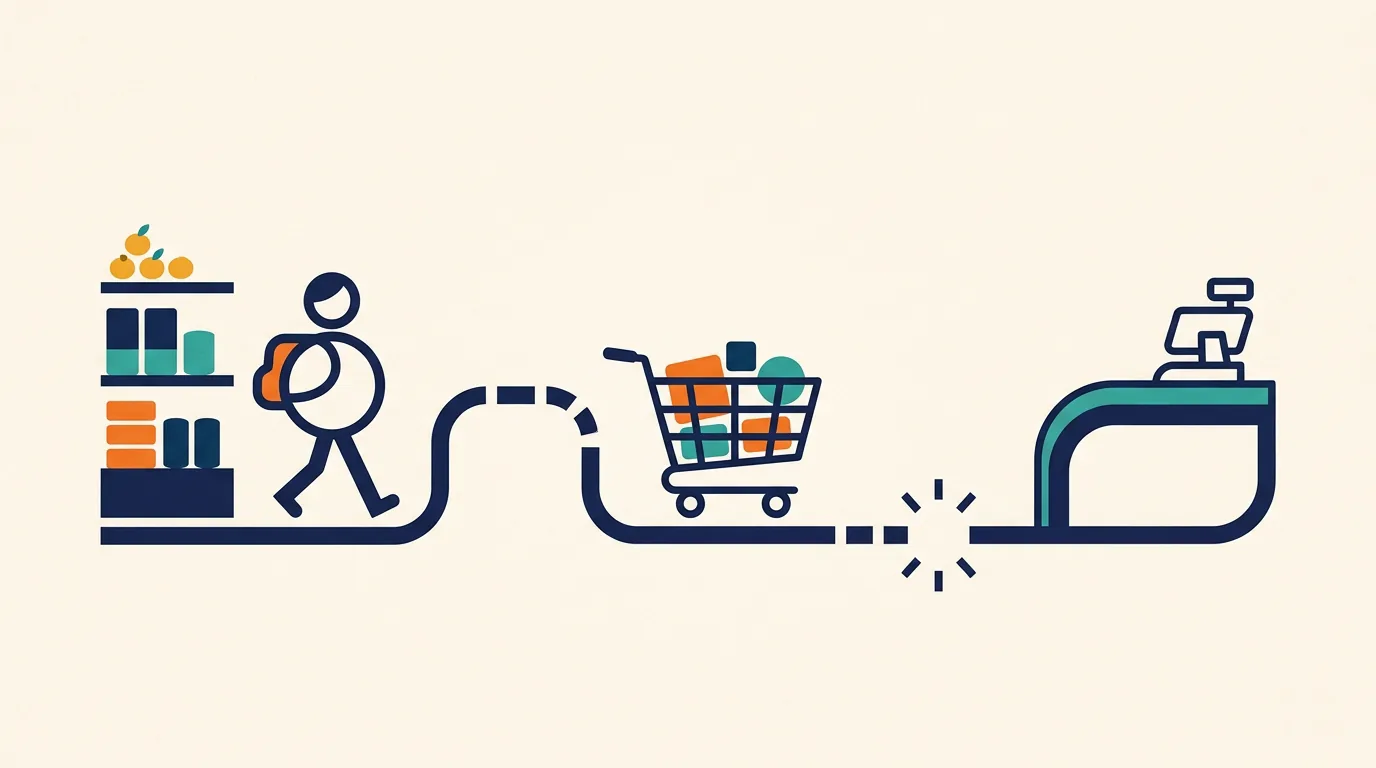
Second, your audiences get built from the wrong people. A Lookalike Audience is only as good as the seed list behind it. If the seed is “everyone who reached the cart page” instead of “everyone who paid,” you’re asking Meta to go find more window shoppers, not more customers. This is invisible in the ads manager because the campaign still reports impressions, clicks and even a cost per result, it’s just optimising for the wrong outcome and you won’t see it until you compare ad spend to what Shopify actually shows as revenue.

The methods people try, and which one actually reaches checkout
Most fixes people attempt are variations on “add the pixel again, somewhere else,” which doesn’t address why it failed the first time.
| Method | Runs on checkout? | Setup effort | Best for |
|---|---|---|---|
| Script tag in theme.liquid or via Google Tag Manager | No | Low | Storefront pages only, not checkout |
| Custom “Additional scripts” in legacy checkout.liquid | Partially, Plus-only, being phased out | Medium | Older Shopify Plus stores not yet migrated |
| Meta’s official Shopify sales channel (Web Pixels API) | Yes | Low | Most merchants, browser-side tracking |
| Meta Conversions API via Shopify’s Meta app settings | Yes, independent of the browser | Medium | Closing gaps from ad blockers, iOS restrictions, slow connections |
The row that matters is the third one. Installing the pixel through Meta’s own Shopify sales channel, rather than pasting a pixel ID into a theme file, is what gets it recognised as a Web Pixel that Shopify permits to run on checkout. It’s a different installation path, not a stronger version of the same one.
Server-side tracking closes the gap browser pixels can’t
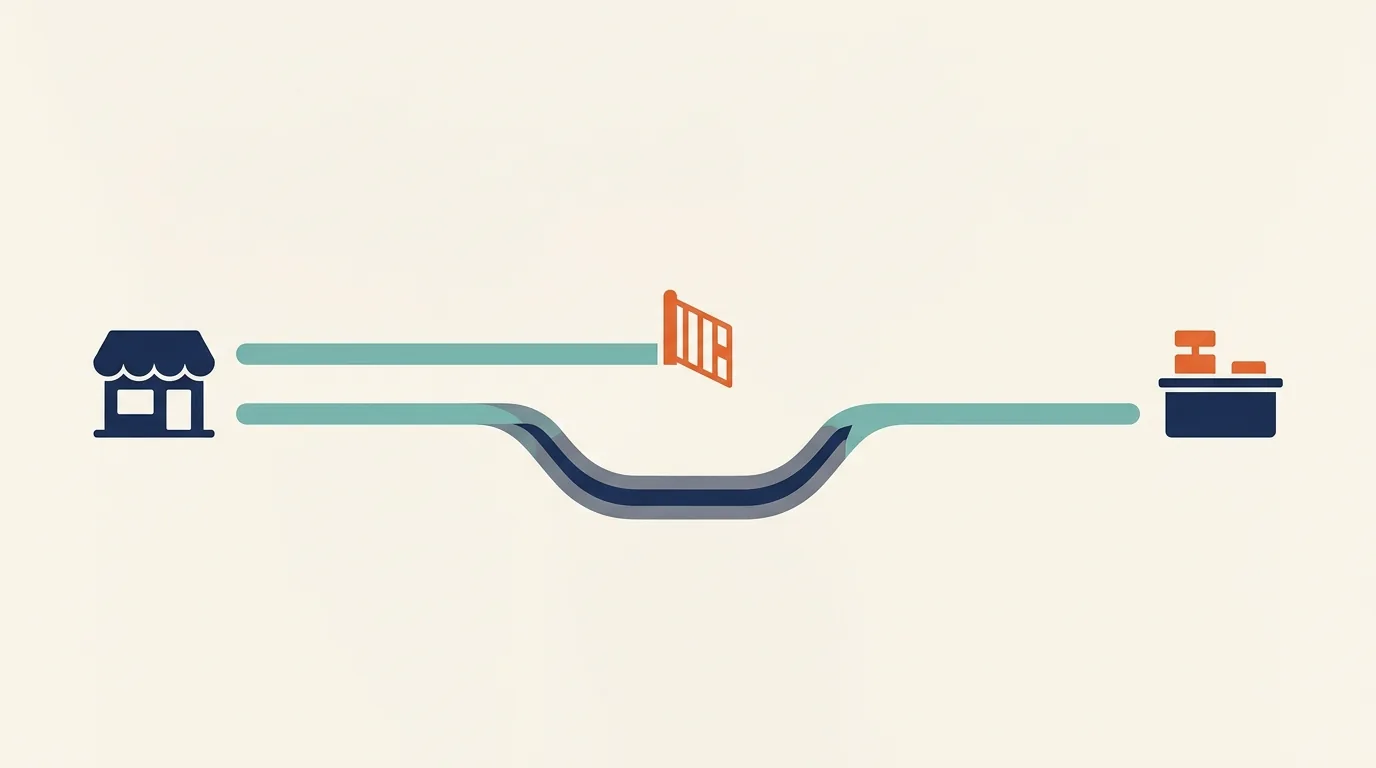
Even a correctly installed browser pixel has a ceiling. Ad blockers, browser privacy settings and iOS restrictions can all stop a browser-side pixel from firing regardless of where it’s installed. Conversions API sends the same event from Shopify’s servers straight to Meta, so the purchase gets recorded even when the customer’s browser never lets the pixel load at all.
This matters more at checkout than anywhere else in the funnel, because checkout is the one event you cannot afford to lose. A missed ViewContent is a rounding error. A missed Purchase is the exact data point your entire ad account is supposed to be optimising towards. Running both the browser pixel and Conversions API together, with matching event IDs, gives Meta two independent paths to the same event, so one failing doesn’t erase the data. If you’ve previously had the opposite problem, both paths firing and double-counting the same purchase, that’s a separate and more common failure mode: it usually means the two paths are not sharing an event ID, so Meta cannot tell they describe the same sale.
How to confirm it’s actually working before you trust the data again
Don’t take a dashboard’s word for it. Open Meta Events Manager, go to Test Events, and place a real order on your own store while it’s open. Watch for the Purchase event to appear with the right value and currency attached. If it shows up right after AddToCart with nothing in between, checkout tracking is still broken, regardless of what the pixel helper browser extension tells you on other pages.
It’s worth checking this on a schedule, not just once. Theme updates, app installs and Shopify’s own checkout changes can quietly break a working setup again. If pixel and checkout tracking sit inside a wider funnel that’s underperforming, that’s usually a sign the whole path from ad click to paid order needs a second look, which is where our funnels and automation work or a general performance marketing audit tends to start.
If you’re running a highly customised checkout
Stores on Shopify Plus with heavily customised checkout flows sometimes still rely on legacy checkout.liquid scripts. Shopify has been moving this functionality to Shopify Functions and the Web Pixels API, and scripts added the old way are on their way out. If your store falls into this category, treat the migration as a tracking project, not just a design one, since the checkout customisation and the checkout tracking are usually built by the same script and will break together. For merchants running the full storefront-to-checkout experience through Shopify, this is also a good moment to check the rest of the ecommerce setup rather than patching the pixel in isolation, which is the kind of review we do as part of ecommerce and D2C work.
The short version: don’t re-add the pixel the way you added it the first time. Install it through Meta’s Shopify channel, turn on Conversions API alongside it, and verify with a real test order before you trust the ad account’s numbers again.
Questions people ask
- Why does my Facebook pixel work on every page except checkout?
- Shopify's checkout is a separate, tightly controlled page, not part of your regular theme. Script tags added through theme.liquid or a tag manager only load on pages your theme controls, so they simply never reach checkout. The fix isn't a better script, it's installing the pixel through the channel Shopify actually allows to run there.
- Can I still add a custom script directly to Shopify checkout?
- Only on older Shopify Plus stores still using a legacy checkout.liquid, and Shopify has been retiring that path in favour of Shopify Functions and the Web Pixels API. For most merchants today, the supported route is Meta's official Shopify sales channel plus Conversions API, not a manually inserted script.
- How do I check whether my pixel is actually tracking Purchase events?
- Open Meta Events Manager, go to Test Events, and place a real test order on your own store while the tool is open. If a Purchase event appears with the correct value and currency, checkout tracking is working. If nothing shows up between AddToCart and the confirmation page, the checkout gap is confirmed.
- What is Conversions API and do I actually need it for a Shopify store?
- Conversions API sends the same events as your browser pixel, but directly from Shopify's servers to Meta, so it doesn't depend on a browser loading a script at all. For checkout specifically, where browser tracking is most fragile, it's the difference between hoping the pixel fired and knowing the purchase was recorded.